
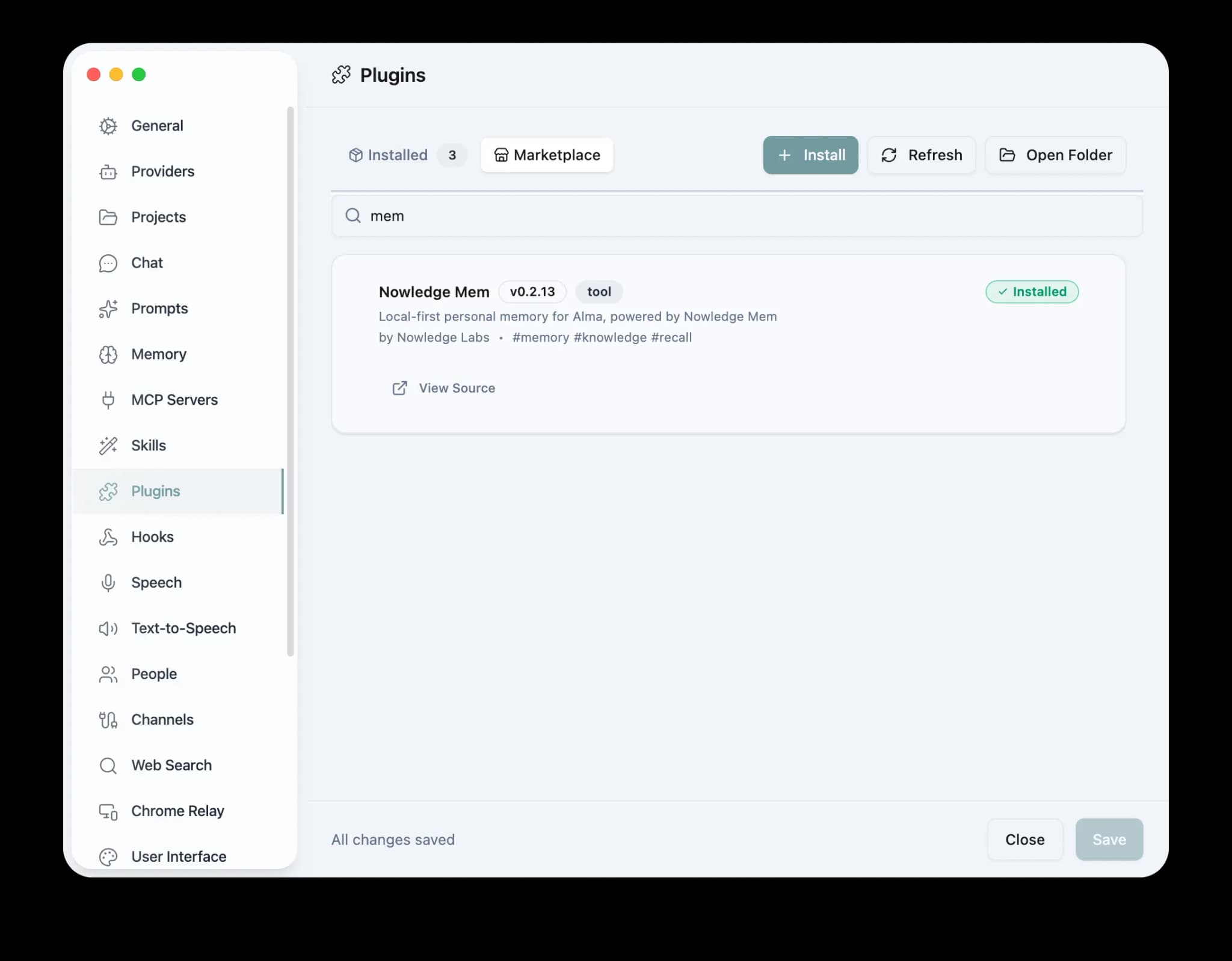
Overview
Nowledge Mem provides a native Alma plugin for local-first, persistent agent memory. It includes 13 tools, auto-recall, live thread sync, Access Anywhere, and an optional Alma Skill that teaches Alma when to use memory more deliberately. Install from the Alma Plugin Marketplace. No build required.
Setup
In Alma, open Settings > Plugins > Marketplace, search for Nowledge Mem, and click Install. Restart Alma if needed.
If you use Alma's Skills page, enable the bundled nowledge-mem Skill. If it does not appear, copy ~/.config/alma/plugins/nowledge-mem/skills/nowledge-mem/SKILL.md into ~/.config/alma/skills/nowledge-mem/SKILL.md and refresh Skills.
Access Anywhere
Connect to a remote Mem instance: set API URL and API Key in plugin settings. Changes take effect immediately, with no restart needed. Use nowledge_mem_status to verify your connection.
Usage
- 13 tools: memory query/search/store/show/update/delete + thread search/show/create/delete + Context Bundle + Working Memory + status
- Hooks: auto-recall on first message, optional live thread sync on idle, thread switch, and quit
- Skill guidance: optional native Alma Skill for better Context Bundle, search, source-thread, and save behavior
- Live settings: change credentials, recall policy, or capture mode without restarting
Live sync vs full-thread backup
The plugin keeps conversations in sync with Mem as you work (idle, switch thread, quit). When you need a portable snapshot (new library, audit trail, or moving machines), Alma can export Settings → Data → Export all threads to alma-backup-*.zip containing threads.json.
Import that archive in Nowledge Mem with Threads → Import → Bulk Import (the same entry appears under Connectors → Thread Import). Filenames and edge cases stay documented in Import existing conversations; format details are in Threads: bulk import.


