
Overview
AI Now can search your Obsidian vault alongside your memories. Your notes become AI-accessible.
Setup
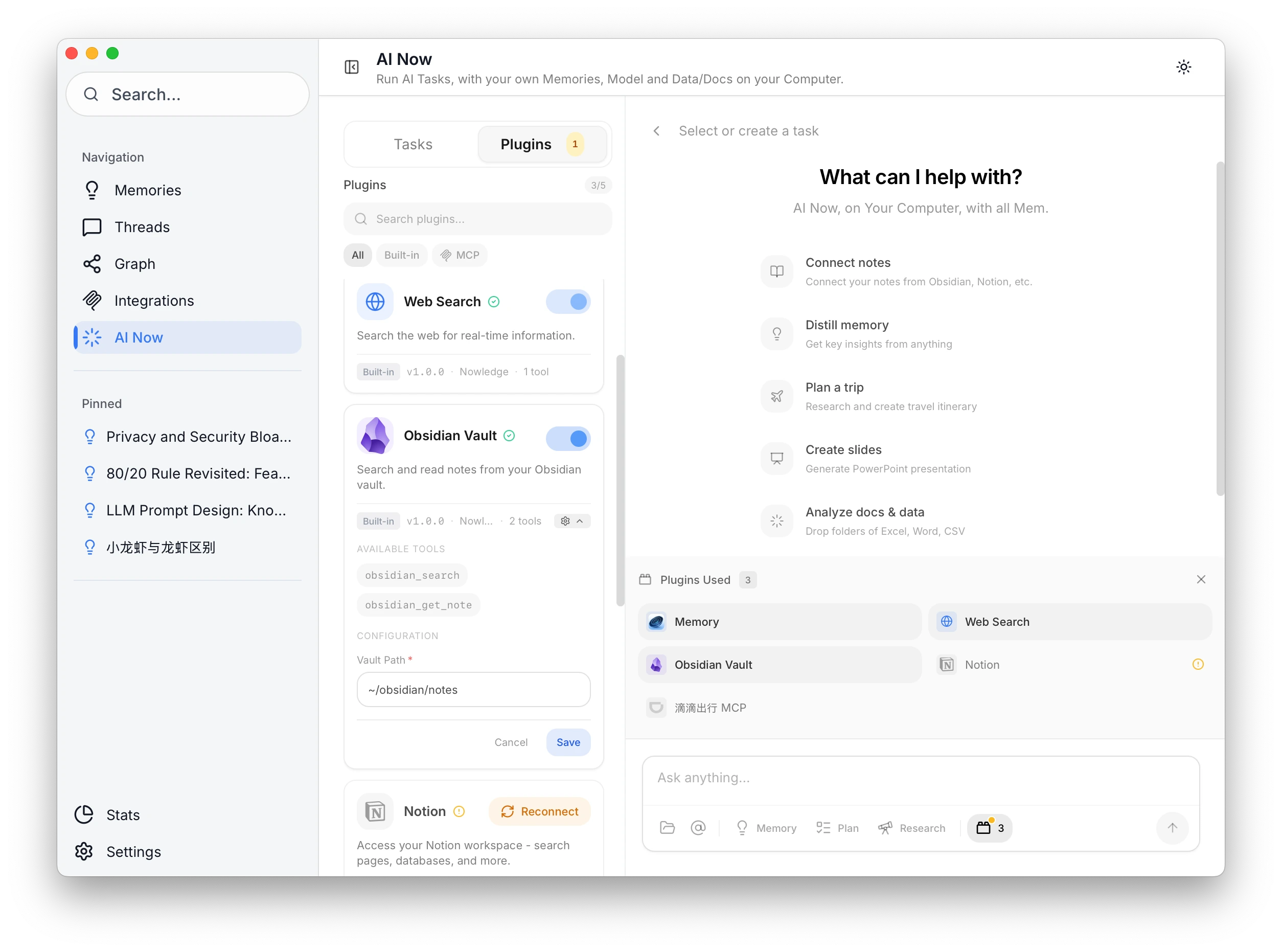
- Open Nowledge Mem → AI Now
- Go to Plugins
- Enable Obsidian
- Set your vault path (e.g.,
/Users/you/Documents/ObsidianVault)
Usage
Ask AI Now a question and it searches your vault, your memories, and the web together.
"What do my notes say about distributed systems?"
Privacy: Your vault is read locally. Notes are never uploaded.