
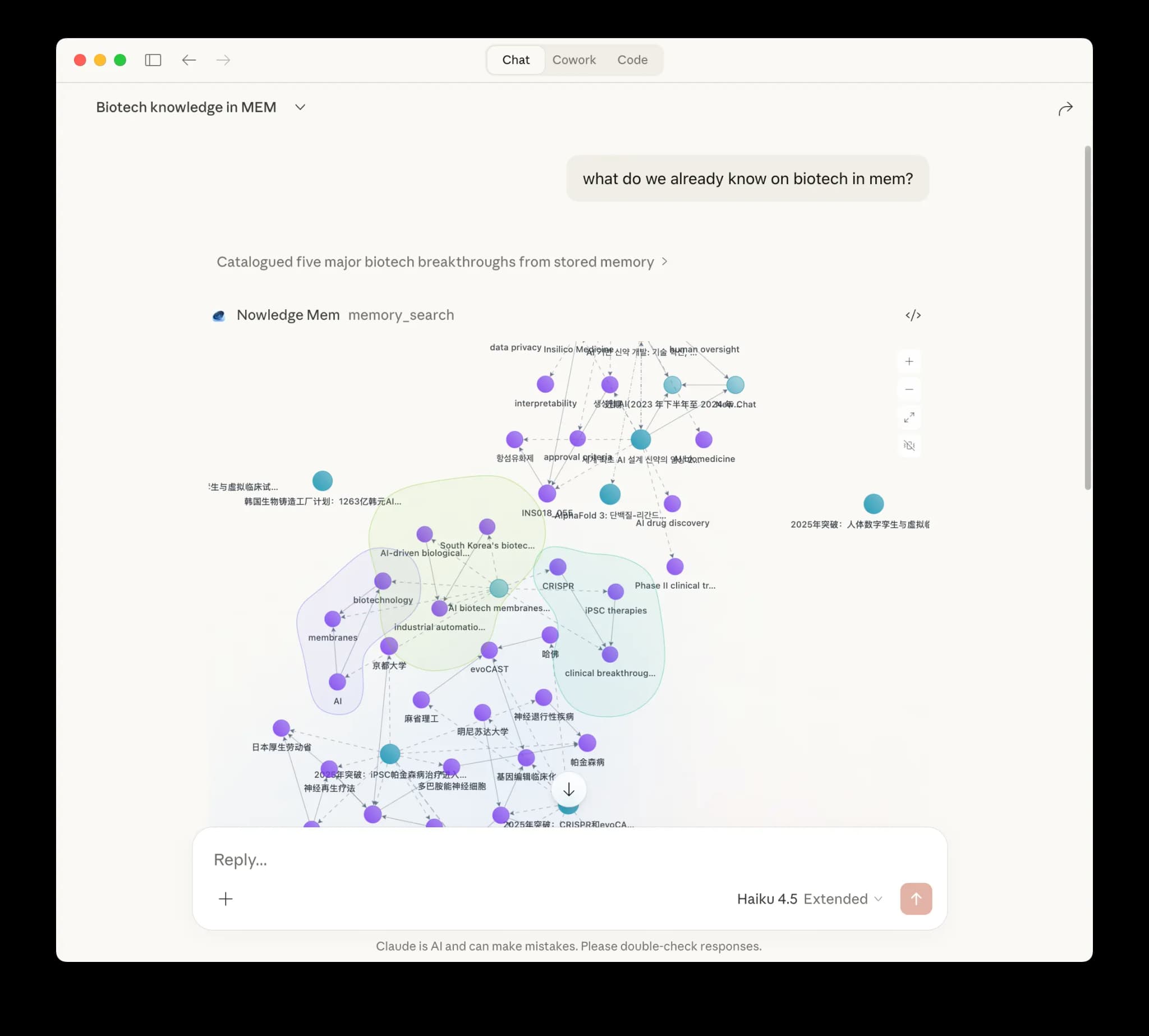
Overview
Claude Desktop Extension brings Nowledge Mem directly into Claude's desktop app with one-click installation.
Setup
- Make sure Nowledge Mem is already running on this machine, and update Claude Desktop to the latest version
- Download the extension from nowled.ge/claude-dxt
- Double-click the
.mcpbfile - Click Install in the dialog
- Restart Claude Desktop once
Requirements
- Claude Desktop app on macOS or Windows
- No separate Python or Node install required
- Local Nowledge Mem app, or a reachable remote Mem server
Usage
Ask Claude to save insights, search your memories, or update existing knowledge during any conversation.
Remote Access
The extension uses the same shared client config as the nmem CLI for remote access. If you're using Access Anywhere from the desktop app on the same machine, this is usually configured automatically. Otherwise, run:
Command
nmem config client set url https://mem.example.com
nmem config client set api-key nmem_your_key
This writes the same local config file that Claude Desktop reads. Use your server root URL. If you already have an older config ending in /remote-api or /mcp, the extension still accepts it.

