
Context
See and adjust what each connected AI receives before it starts working.
Context is where you check what a connected AI will see before it starts: who you are, which AI profile it is using, which memories it can use, standing rules, and Working Memory.
Think of it as the start card Mem hands to your AI tools.
How It Fits With The Rest Of Mem
Memories, Threads, Library, Skills, Spaces, and AI Now each do a different job. Context does not replace them. It shows how they come together for a specific AI run.
| View | What it is for |
|---|---|
| Memories | Durable facts, preferences, decisions, plans, procedures, learnings, events, and context worth keeping |
| Threads | Saved conversations and exact discussion history |
| Library | Files, documents, sources, and generated artifacts |
| Skills | Repeatable ways your AI should perform a task |
| Spaces | The memory lane a project, tool, or long-running agent should use |
| AI Now | The place where you work directly with Mem's built-in AI |
| Context | The preview and editor for what connected AI tools receive before they start |
The First Useful Move
Open Context → Preview.
You should see a sentence like:
Default AI receives your profile, Working Memory, and no rules. It can use memories only from Default.
If that sentence matches what you expect, you do not need to configure anything else.
What You Can Change Here
- You: your name, aliases, language, and personal context
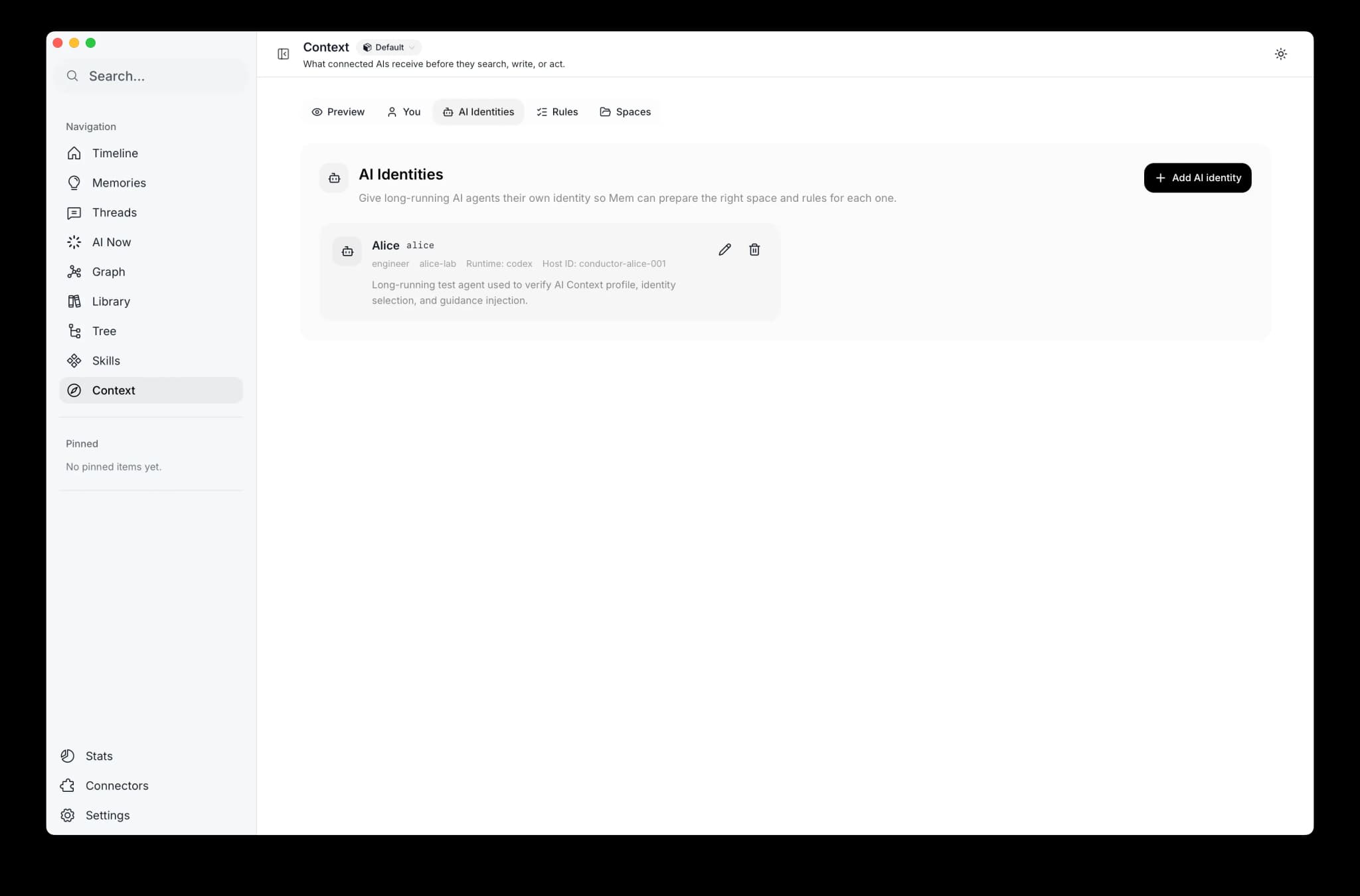
- AI Profiles: named long-running agents, each with an optional default space and profile-specific rules
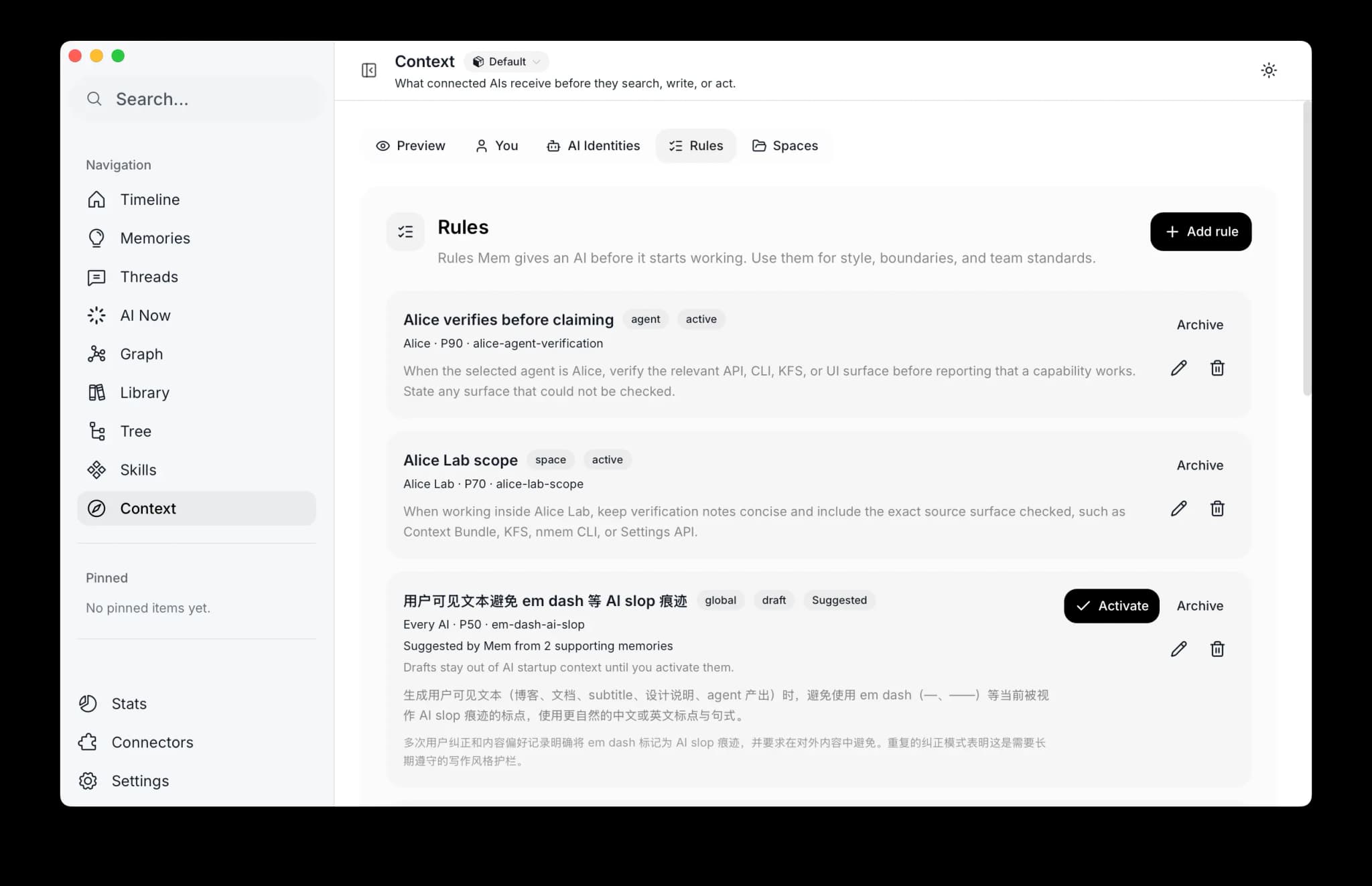
- Rules: standing behavior rules that apply to everyone, one AI profile, or one space
- Spaces: memory scope, shared context, and space-level rules
Every change should be visible back in Preview.
When To Create An AI Profile
Do it when an AI has a stable role over time:
- a reviewer that always checks code quality
- an onboarding assistant that explains slowly
- a research agent that should stay in one project space
Do not create a profile for every temporary chat. The default AI profile is enough for normal use.
How Connected Tools Use It
Supported connectors read the Context Bundle at session start when they can. It includes Context plus the current Working Memory. Older or simpler integrations may read only Working Memory as a lightweight fallback.
For multi-agent tools, the profile is selected only when the tool passes an explicit Mem agent ID or stable host agent ID. The tool name itself, such as codex or claude-code, is only provenance.
What Not To Worry About Yet
- Context is not a new memory type.
- It is not indexed or embedded.
- Changing it does not require search reindexing.
- You do not need to understand Context Bundle, MCP, or KFS paths to use the page.
Next Steps
- Your Profile if the AI does not know enough about you yet
- AI Profiles if a long-running agent needs its own identity
- Rules if you want behavior that applies before search or Skills
- Spaces if two projects or agents need different memory lanes
- Connectors if you want another AI tool to use this context