
Raycast
Nowledge Mem extension for Raycast. Search memories, save a quick memory, and read Working Memory without leaving your keyboard.
Source: community/nowledge-mem-raycast
Raycast extension vs Raycast AI Chat
This page is the Nowledge Mem Raycast extension: keyboard-first commands against Mem over the API. Raycast AI Chat history does not ship as a vendor export; bring it into Threads with the community tool and Mem bulk import. See Import existing conversations, the raycast-ai-exporter community tool, and Bulk import formats.
Install
Raycast Store: search "Nowledge Mem" or open the store link to add the extension directly.
From source (for development or customization):
git clone https://github.com/nowledge-co/community.git
cd community/nowledge-mem-raycast
npm install && npm run dev
You can connect in two ways:
- Local default: keep the default
http://127.0.0.1:14242 - Remote Mem: set Server URL and API Key in Raycast preferences, or if you want one shared config for Raycast + CLI + other plugins, run:
nmem config client set url https://mem.example.com
nmem config client set api-key nmem_your_key
Raycast also supports one optional fixed lane through a Space preference. Use it when this Raycast profile always belongs to one named lane such as Research Agent. Leave it empty to stay on Default.
Most commands work with either local or remote Mem. Edit Working Memory is the one local-only convenience command because it edits the Default Working Memory file on your own machine.
Commands
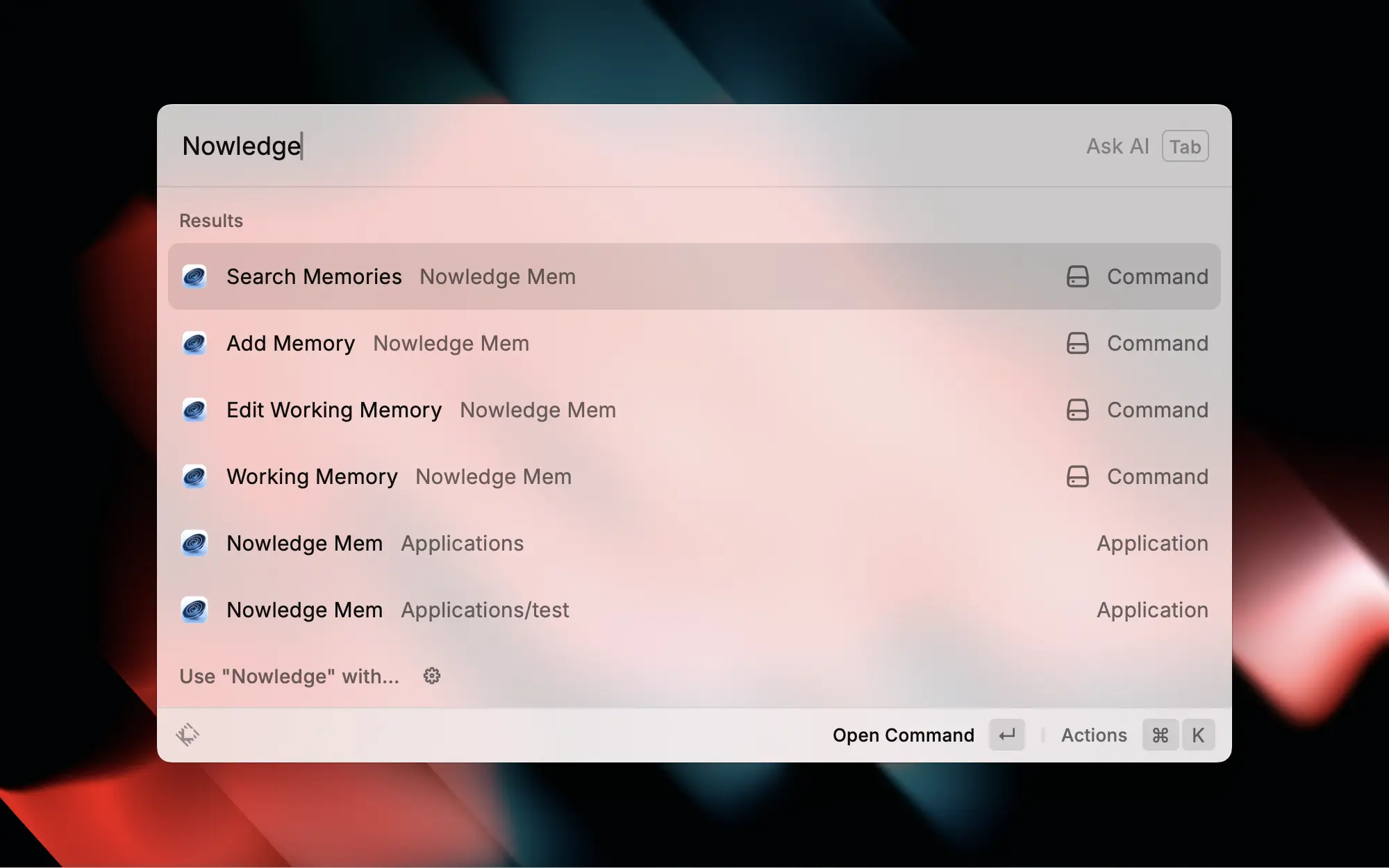
| Command | What it does |
|---|---|
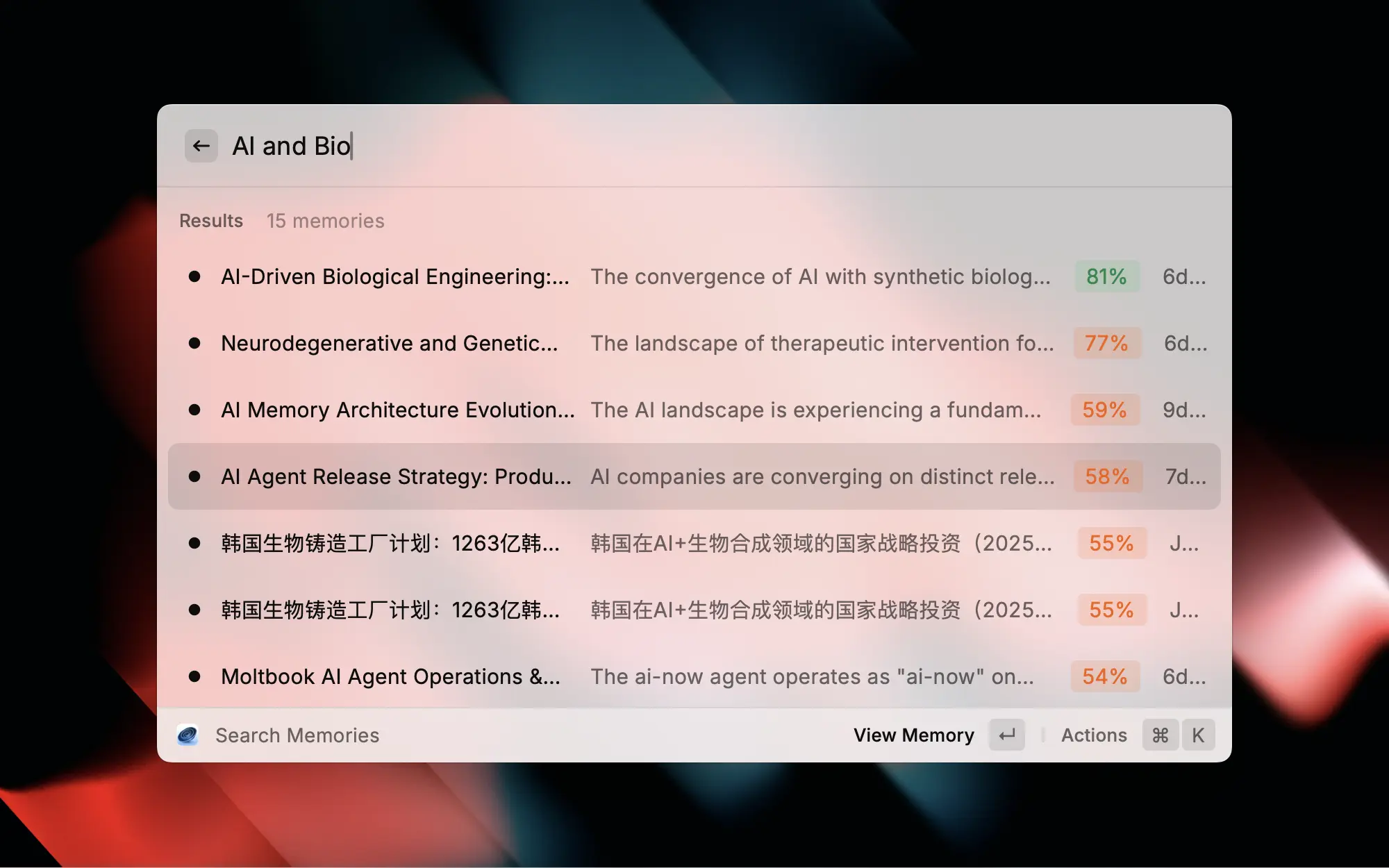
| Search Memories | Semantic search with relevance scores. When the search box is empty, it shows recent memories |
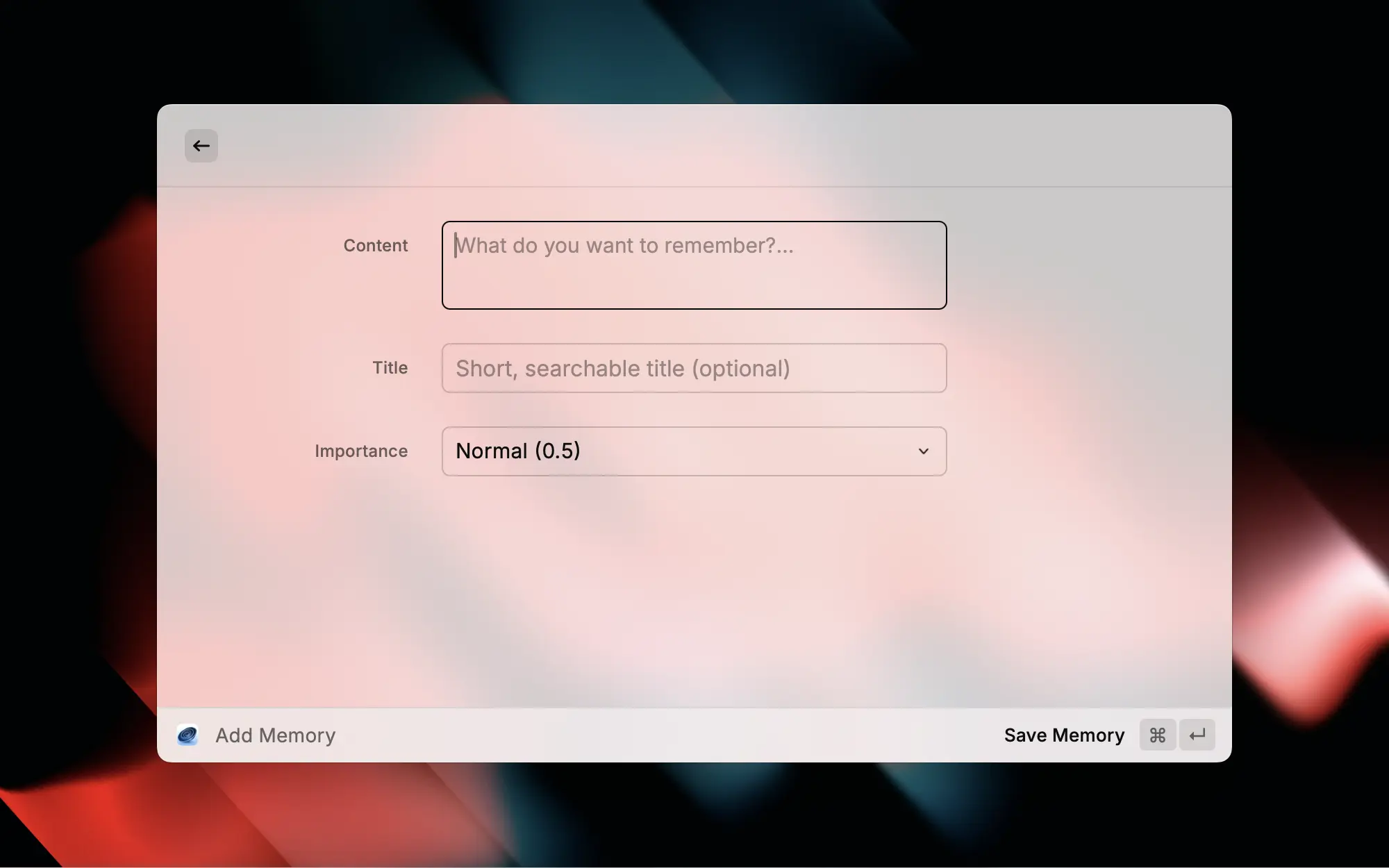
| Add Memory | Save a memory with title, content, and importance |
| Read Working Memory | Read your daily briefing through the Mem API |
| Edit Working Memory | Edit the Default Working Memory file from Raycast on your local machine |
Customize Safely
Raycast is a launcher-style integration, not an agent runtime with its own project instruction file.
- Use Raycast preferences for durable changes such as server URL, API key, and fixed space
- Do not edit extension source unless you are developing the extension itself
For the full host-by-host map, see Customize Integration Behavior.
Spaces
Raycast is a launcher. The best space model here is one optional fixed lane:
- Leave Space empty to use the shared
nmemclient space, which is normally Default - Set Space when this Raycast profile always belongs to one stable lane
- Do not expect Raycast to derive per-agent routing on its own
When you do set a space, Search Memories, Add Memory, and Read Working Memory all follow it automatically. Edit Working Memory stays intentionally local and Default-only.
Best Flow
- Use Search Memories when you want the fastest answer
- Use Add Memory when you want to save something quickly from the keyboard
- Use Read Working Memory when you want today’s focus without opening the full app
Graph exploration is not part of the Raycast extension. For graph work, use the Mem app or an MCP-capable connector such as Claude Code or Codex.
Related
- Connectors overview: native connectors, reusable packages, MCP, and browser capture
- Claude Code · Claude Desktop · Codex · Alma · OpenClaw · Other Chat AI