
Overview
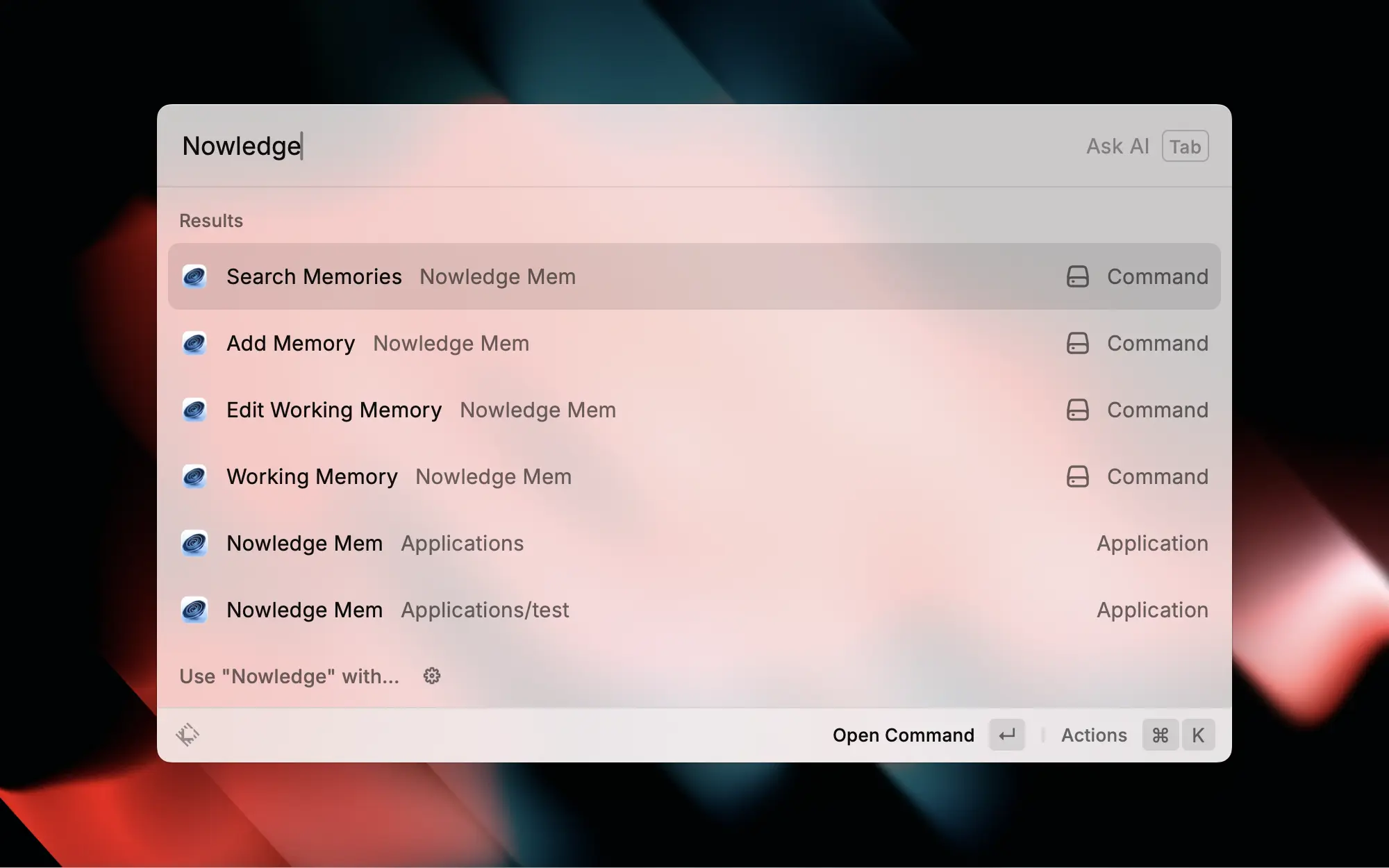
Nowledge Mem Raycast extension (launcher commands), not Raycast AI Chat history export. To migrate Raycast AI Chat transcripts into Threads, use the community Raycast AI Exporter path.
Extension commands:
- Search Memories
- Add Memory
- Read Working Memory
- Edit Working Memory
Setup
Raycast Store: Install from the Raycast Store , search "Nowledge Mem" or open the link to add the extension.
Install from source (for development or customization):
Command
git clone https://github.com/nowledge-co/community.git
cd community/nowledge-mem-raycast
npm install && npm run dev
Use the local default at http://127.0.0.1:14242, or point Raycast at a remote Mem server with an API key in preferences or through the shared local config written by nmem config client ....
Usage
Use Raycast to search or save memories and read Working Memory through the API. Editing ~/ai-now/memory.md remains local-only.


