
Claude Desktop
One-click memory extension for Claude Desktop on macOS and Windows. Save, search, and update your knowledge base in any conversation.
Install once on macOS or Windows. No separate Python or Node install is required. After that, Claude Desktop can search your memory, save new context, and update existing knowledge during any conversation.
What success looks like
After install, click the + button in Claude Desktop and open Connectors. You should see Nowledge Mem listed there, ready to use in chat.
Before You Start
- Nowledge Mem is running on this machine (installation), or you already have a reachable remote Mem server
- Claude Desktop is installed and up to date
Setup
Install and restart Claude Desktop
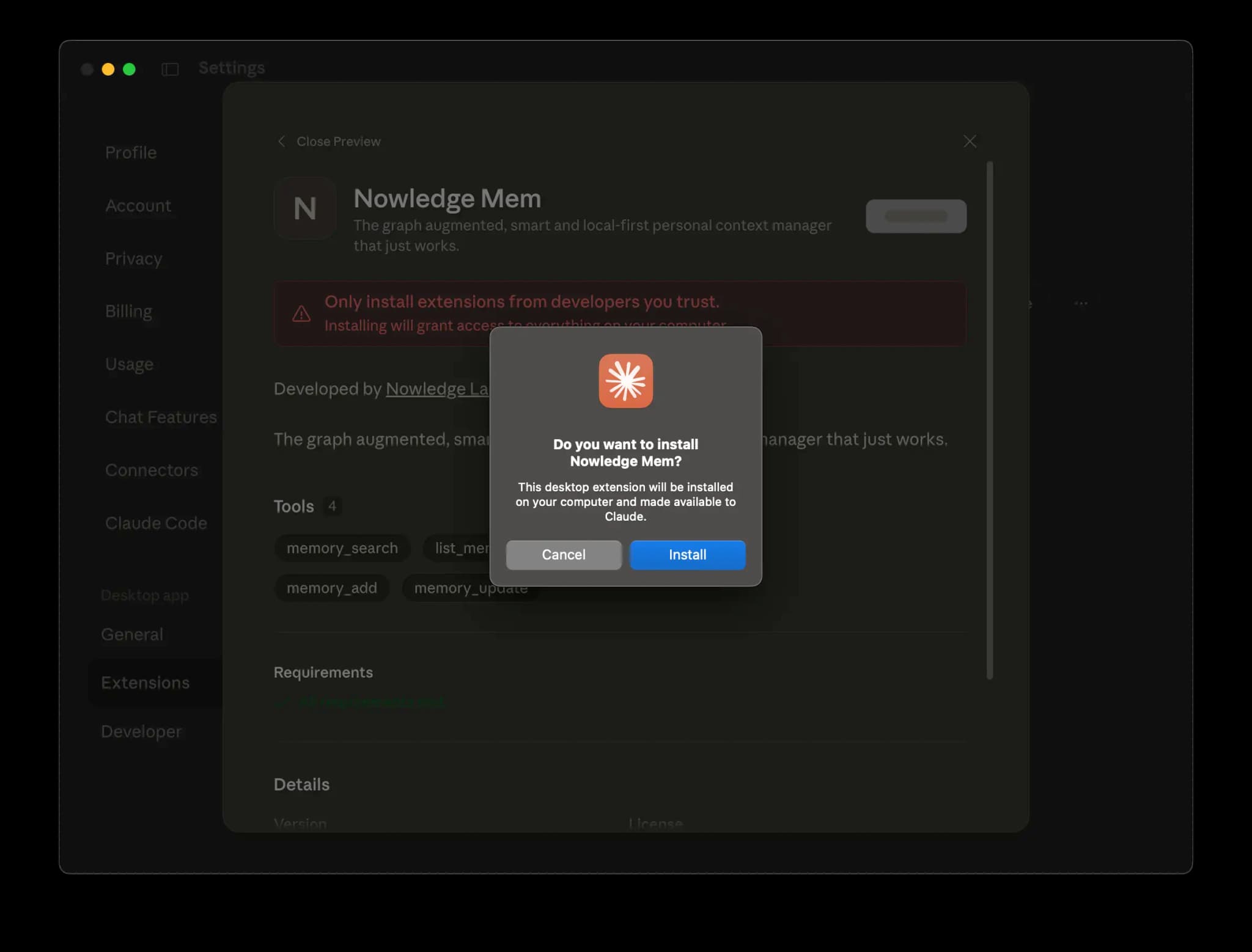
Double-click the downloaded claude-dxt.mcpb file, click Install, then restart Claude Desktop once.
Use Mem in chat
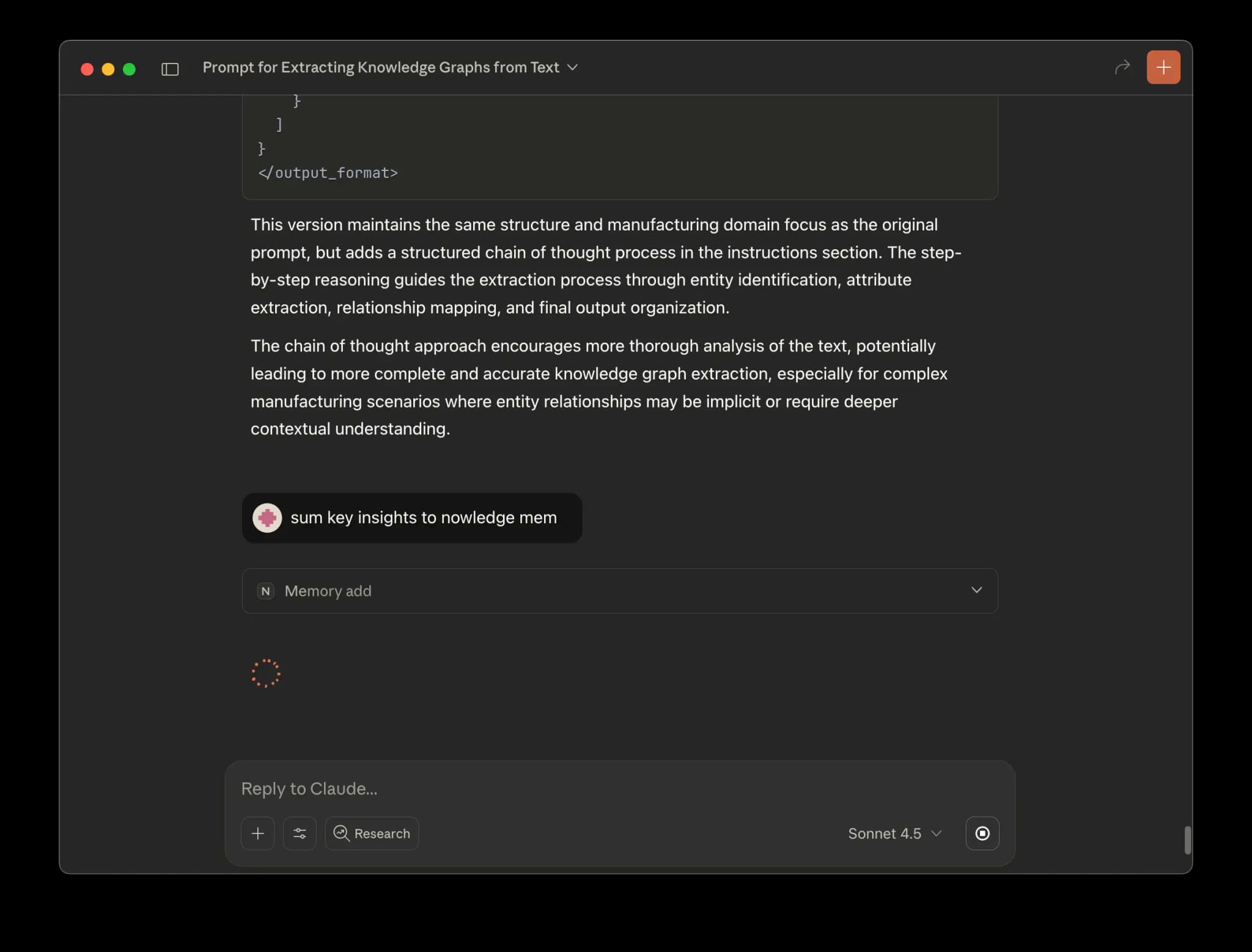
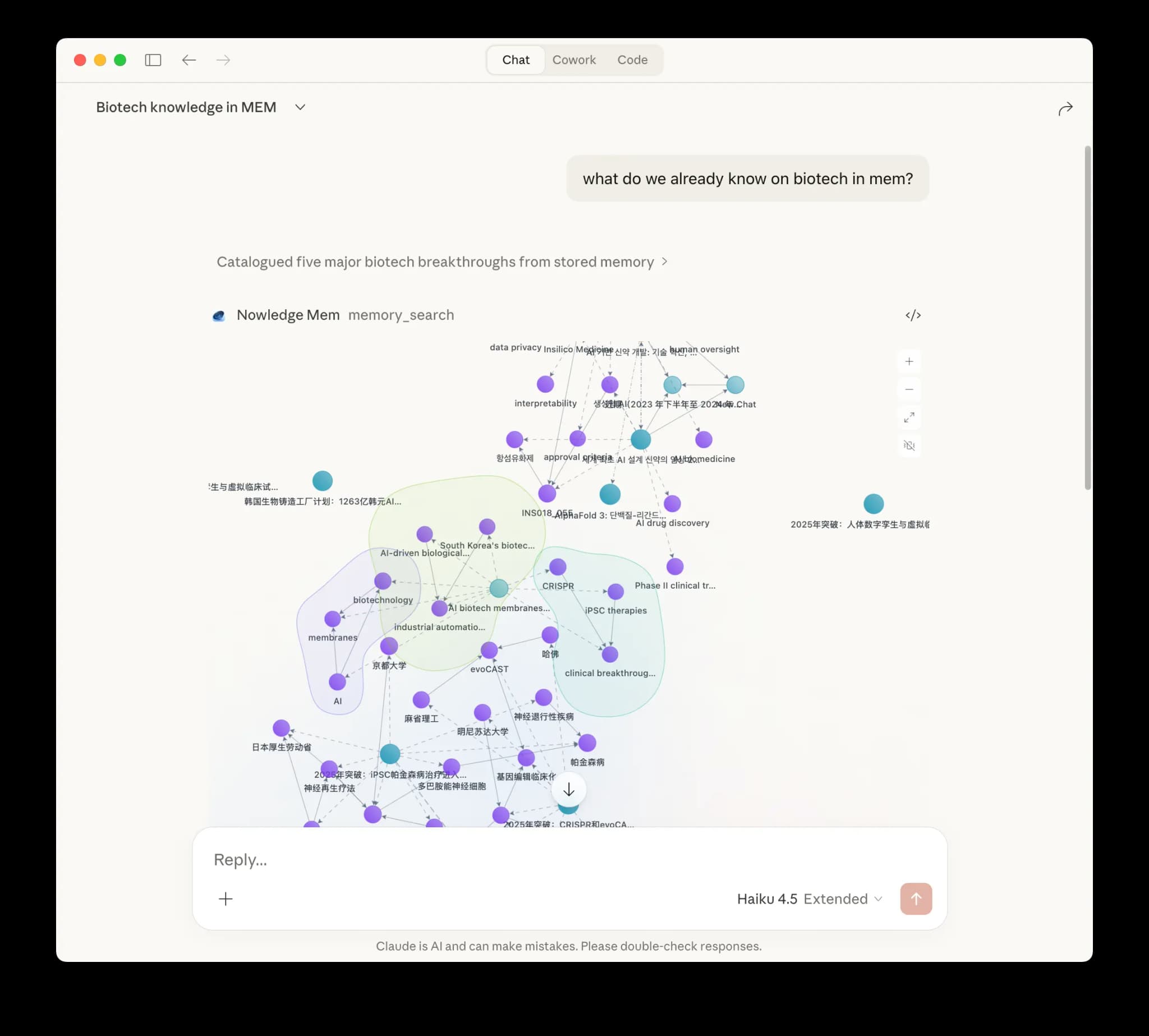
Ask Claude to save insights, search your memories, or update anything in your knowledge base.
Access Mem Anywhere
The extension connects to your local Mem by default. For remote access, it reads the same shared client config as nmem.
If you're starting Access Anywhere from Nowledge Mem Desktop on the same machine, you usually do not need to do anything else. The desktop app writes this config for you automatically.
If Claude Desktop is running on a different machine, configure that machine first:
Recommended:
nmem config client set url https://mem.example.com
nmem config client set api-key nmem_your_key
This writes the same shared client config that Claude Desktop reads. Manual file paths are below if you prefer to inspect or edit it directly.
Path:
~/.nowledge-mem/config.jsonUse your server root URL in apiUrl. If you already have an older config that ends in /remote-api or /mcp, the extension still accepts it.
Restart Claude Desktop after changing the connection.
Troubleshooting
If Mem does not appear in Claude Desktop:
- Click the
+button in the chat box and open Connectors. Confirm Nowledge Mem is listed. - Open Settings → Extensions → Advanced Settings in Claude Desktop and inspect the extension status and logs.
- If you're using remote access, run
nmem config client showand verify the URL and API key state are correct on that machine.
Related
- Connectors overview: native connectors, reusable packages, MCP, and browser capture
- Claude Code · Codex · Alma · OpenClaw · Raycast · Other Chat AI